
Check the file first
See valid and invalid rows before any screening starts. Fix only the rows that need attention.
Upload one CSV or XLSX file and screen 10 to 1,000 people or entities for AML, PEP, sanctions, watchlist and adverse-media risk. No code is required.
Batch AML screening
Screen an entire customer file in one run.
Upload a spreadsheet, review the valid rows and credit estimate, then screen 10 to 1,000 people or companies together.
The dashboard shows the current cost and valid-row count before you confirm the batch.
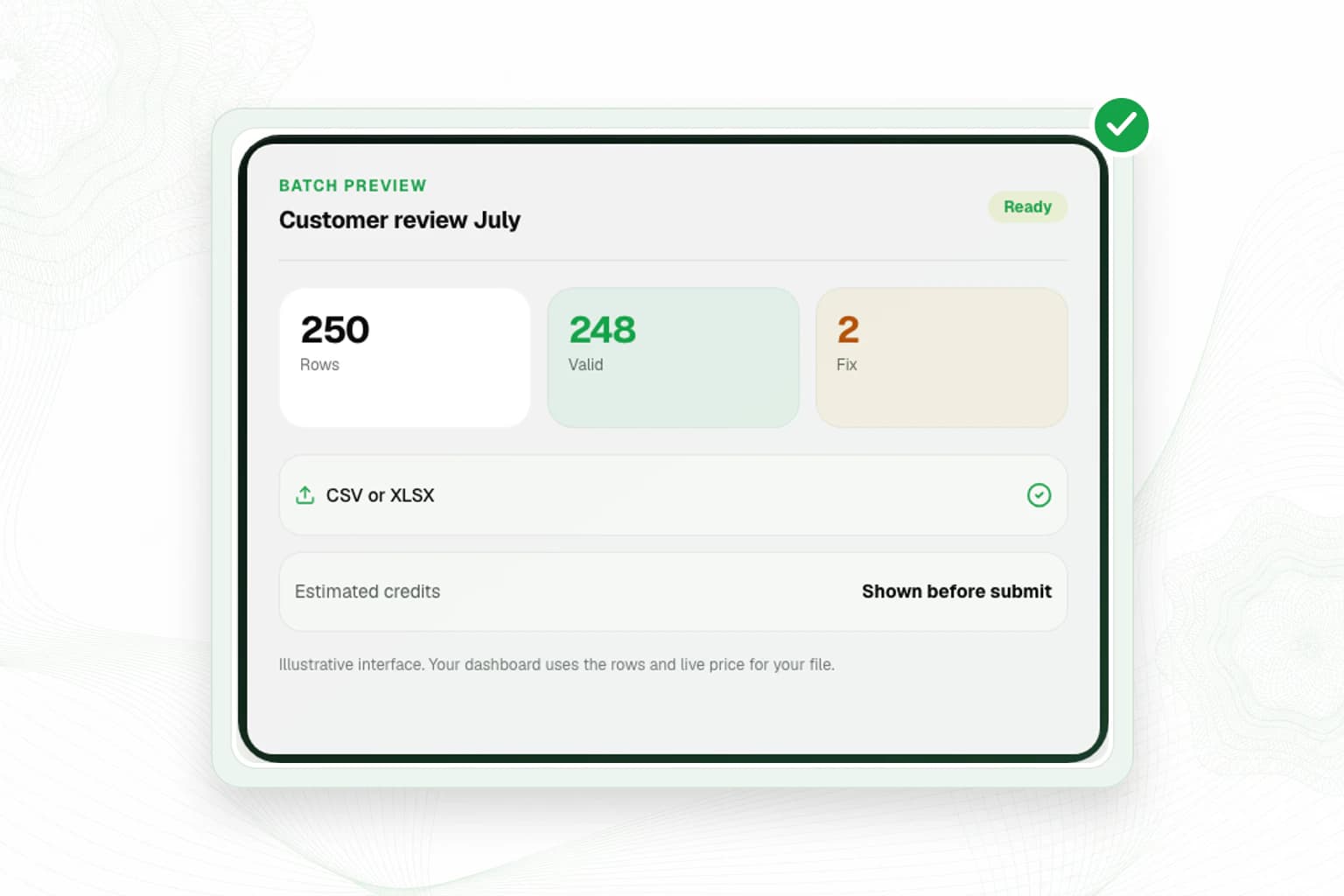
Batch preview
Illustrative interface. Your dashboard uses the rows and live price for your file.
The batch page separates file preparation, validation, approval and results. That makes it easier to see what will run and what needs attention.
See valid and invalid rows before any screening starts. Fix only the rows that need attention.
Review the live per-row price, valid-row count and estimated credit use before you submit.
Follow progress and return to completed batches without rebuilding the spreadsheet.
Get a consolidated CSV by email and from the dashboard, with report links where a potential match needs review.
Use the Name, Entity Type, Country and Reference columns. Entity Type can be Person, Company, Organization or Legal Entity.
VerifyNow accepts CSV and XLSX files. It marks invalid rows so you can correct them before screening.
Check the valid-row count and estimated credit use, then confirm the batch when you are ready.
Watch the progress, receive an email when it finishes and download the consolidated CSV result.
Batch AML helps accountable institutions screen a customer book and keep a reviewable result. A potential match is a signal to investigate. It is not proof that the customer is the person or entity in the source record.
Your institution decides who to screen, how often to repeat a check and what evidence to keep under its RMCP. It also owns any reporting, escalation and customer-risk decision.
Read Financial Intelligence Centre compliance guidanceBatch AML screening lets a compliance team check many people or entities from one spreadsheet instead of entering every name separately. VerifyNow screens each valid row and returns a consolidated result file.
Upload a CSV or XLSX file with Name, Entity Type, Country and Reference columns. A batch can contain 10 to 1,000 rows. The page checks the file and shows invalid rows before you submit it.
Yes. VerifyNow shows the current per-row cost and estimated total after validating the file. Credits are reserved for the valid rows, completed rows are charged, and unused reserved credits are released.
A potential match is marked for review. The result can include a link to a detailed PDF so your compliance team can compare the source record, identifiers and match context before making a decision.
Batch AML is a manual, repeatable screening workflow that can support the review cadence in an RMCP. For customers who must stay enrolled after onboarding, use Ongoing AML Monitoring. The institution still sets risk ratings, review frequency, decisions and reporting duties.
Upload the spreadsheet, review the rows and cost, then start when your team is ready.