
Deceased status
The onscreen and generated report highlight the deceased status field at a glance.
Confirm alive or deceased status for a South African ID number before proceeding. VerifyNow runs the supported status check, returns basic identity context, and gives your team a report for an onboarding, fraud or account-review workflow.
Alive and deceased status
Confirm life status before you proceed.
Check a South African ID number and receive the available alive or deceased status with supporting identity details in one focused report.
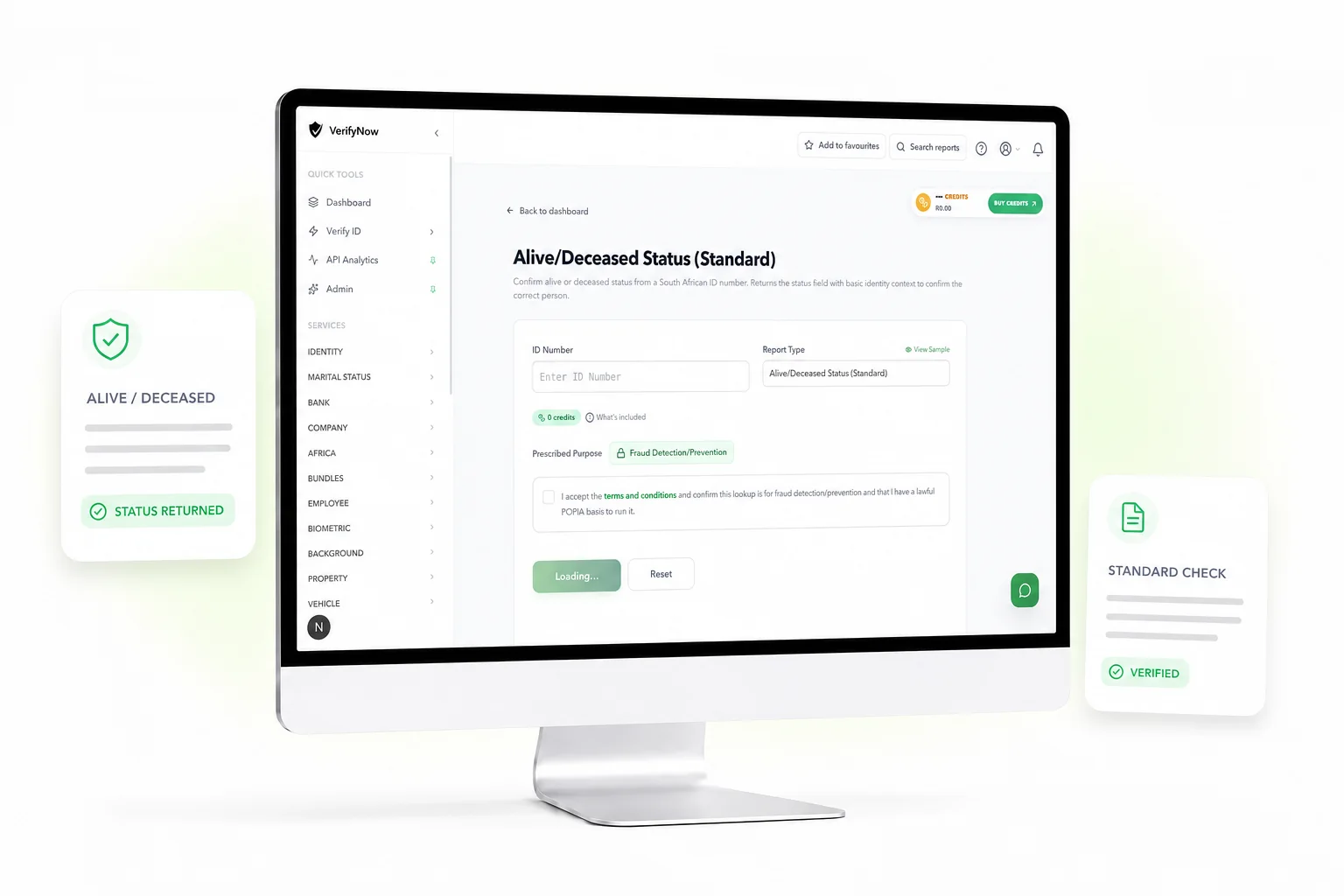
See how a deceased status check appears in VerifyNow: basic identity details to confirm the person, the highlighted deceased status result, and a clear format your team can file after review.
Loading sample report
You see whether the person is recorded as alive or deceased, plus the name and ID needed to confirm it is the right person.
The report is built for fast review. It keeps the visible output focused on deceased status and basic identity details. The real-time Home Affairs identity and photo report is a separate service for workflows that need those extra fields.
The onscreen and generated report highlight the deceased status field at a glance.
ID number, surname, first names and date of birth help match the report to the correct person.
Designed for quick review, record keeping and repeat business checks.
Useful for onboarding, account review, customer screening and fraud review workflows.
Use VerifyNow when your team needs a confirmed deceased status result from a South African ID number — before processing an application, onboarding a customer or carrying out an account review.
Confirm alive or deceased status from a South African ID number
Block applications using deceased South African ID numbers
Confirm death status during estate administration and reviews
Validate customer records before onboarding or account activation
Compare adjacent VerifyNow services if your onboarding or review workflow needs a different type of identity evidence.
Check the 13-digit structure and checksum before using credits on an alive or deceased status report.
View serviceCheck marital status with basic identity details for the correct person.
View serviceUse a broader trace report when your workflow needs contact or address information.
View serviceUse a bundled identity check when your workflow needs stronger onboarding evidence.
View serviceYes. VerifyNow provides a focused deceased status report for a South African ID number.
No. The Check Deceased Status report displays deceased status with basic identity fields. It does not display contact information, address information or marital status.
Businesses use deceased status checks to prevent fraud and screen customer records before processing applications, onboarding new customers or carrying out account reviews.
VerifyNow returns a deceased status result in seconds from a South African ID number. No manual process or document submission is required.
Yes. VerifyNow runs a supported alive or deceased status check from a South African ID number and returns the result in the dashboard.
An alive status check and a deceased status check answer the same status question for the submitted South African ID number. VerifyNow returns this status with basic identity details so you can confirm the result is for the correct person.
One deceased status check can flag a fraudulent application before it moves forward. Give your team a verified result — with the identity context to confirm the right person — and keep your records clean.
Run Deceased Status Check