
OCR Data Extraction
Upload TIFF, JPG/JPEG, PNG, WEBP or PDF files, up to 5 MB per front or back file, and extract document details with OCR.
Authenticate South African identity documents using OCR, extracted fields, validation status and returned warnings. Verify ID books, smart ID cards, passports, and driver's licences in seconds.
Document verification
Check identity documents in seconds.
Upload a supported ID document and receive extracted fields, a validation status and review warnings in one structured result.
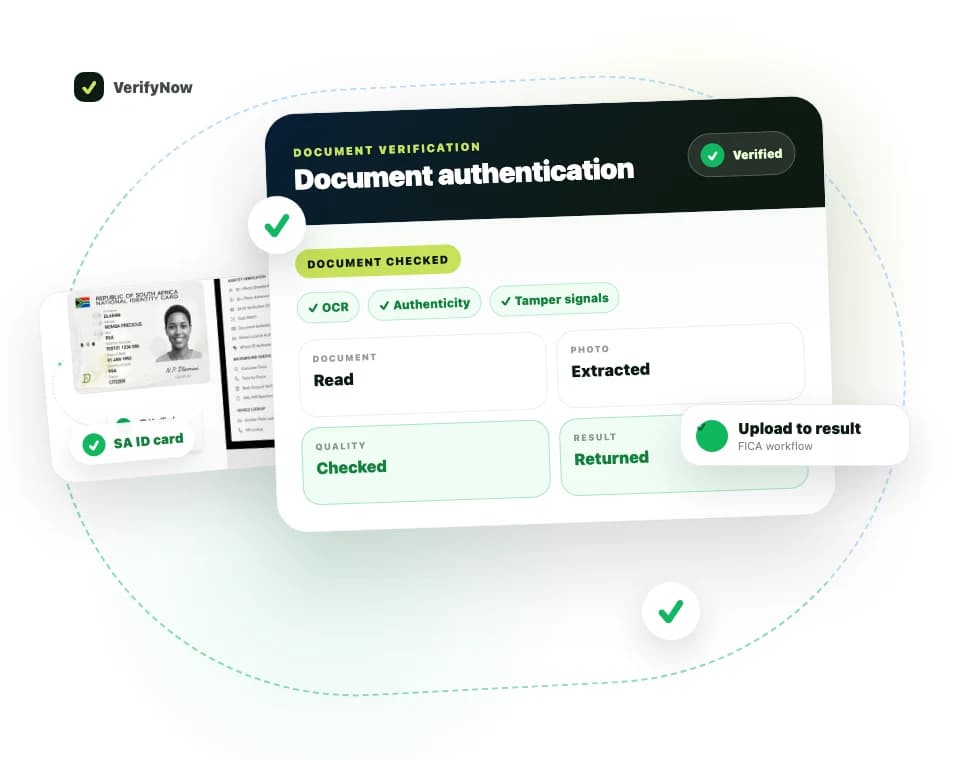
The response connects the submitted image to a request reference, a document status and the identity fields the service could extract. Warnings remain visible so your team can send an exception to review.
Fictional preview
Request reference
doc_••••••7A
Document type
Identity Card
Issuing country
ZAF
Document number
••••••••9087
Full name
•••••• ••••
Warnings
None returned
A returned status supports review. Your onboarding policy decides whether to accept, retry or escalate the document.
OCR, returned document fields, a validation status and review warnings
Upload TIFF, JPG/JPEG, PNG, WEBP or PDF files, up to 5 MB per front or back file, and extract document details with OCR.
Review warnings returned for document quality, consistency, authenticity and presentation risk.
Use the returned status, extracted fields and warnings to route clear results or exceptions for review.
Receive a request reference, document status and extracted fields in one response. Your review rules decide the next step.
Support for SA ID books, smart ID cards, passports, driver's licenses, and foreign documents.
Use the result as evidence within your own risk-based FICA controls and POPIA processing framework.
Authenticate all major South African and international identity documents
Submit front and back images of a South African smart ID card for OCR and document review.
Submit the identity page of a South African green ID book for OCR and document review.
Verify South African and foreign passports with MRZ reading and document authentication.
Submit a South African driver's licence image for document OCR. Use the separate Driver's Licence Barcode service when you need card-sourced PDF417 fields.
Upload a photo or scan of the identity document straight from your VerifyNow dashboard — no code required.
OCR extracts document data while the verification result reports its status and any validation warnings.
Receive extracted data, authentication score, and fraud risk indicators in a structured report.
Verify customer documents digitally during remote KYC and account opening processes.
Authenticate identity documents submitted with loan and credit applications.
Verify claimant identity documents to prevent fraudulent claims.
Authenticate ID documents during hiring and employee onboarding processes.
Document verification checks identity documents for data extraction, document structure, expiry details, barcode or MRZ data where available, and fraud or tampering signals.
VerifyNow supports document authentication workflows for South African identity documents, including ID books, smart ID cards, passports and driver licence documents where supported.
Use ID verification when you need to confirm an ID number against official data. Use document verification when you also need to inspect the document image or extracted document fields.
Protect your business from document fraud with automated identity verification