
BVN
Bank identity checkConfirm the Nigerian customer record when BVN is the identifier collected in your onboarding flow.
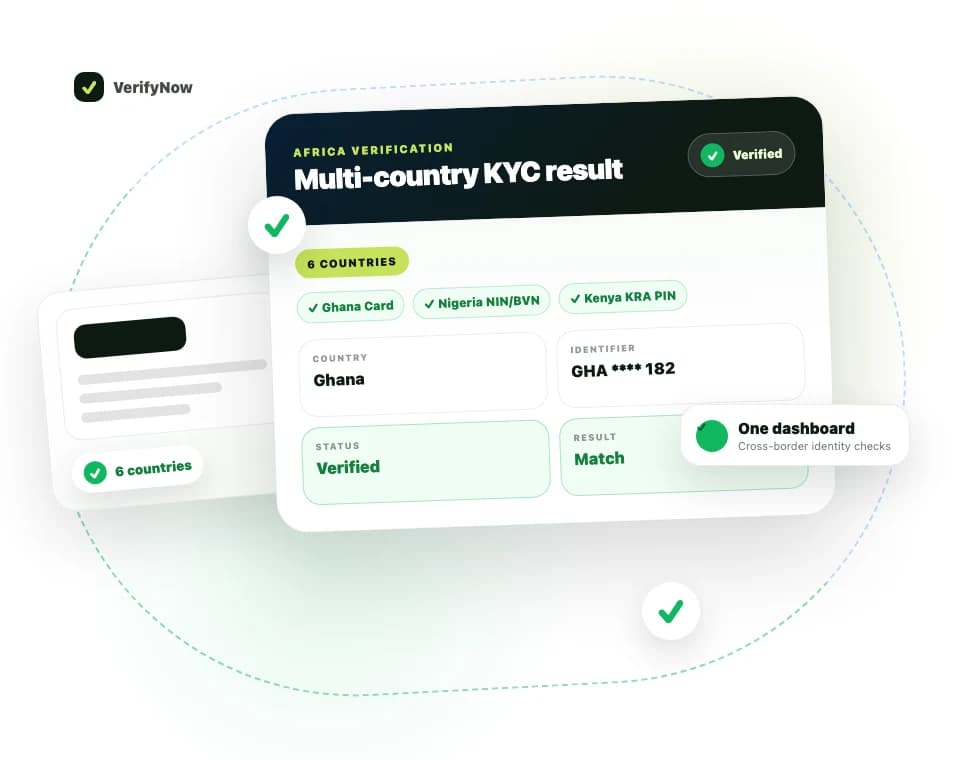
Run Nigerian identity checks from the VerifyNow dashboard using NIN, NIN Slip, Virtual NIN, BVN, phone number, voter ID or supported bank account details. Results return as a clear dashboard report your team can read without needing technical documentation.
Nigerian identity verification
Verify Nigerian identities without leaving VerifyNow.
Run supported NIN, BVN, Virtual NIN, voter ID, phone and bank-account checks from one business dashboard.
Audience
Teams onboarding Nigerian customers
Confirm NIN, BVN or voter ID from the dashboard when a customer presents Nigerian identity evidence.
Frontline and back-office staff
Run the check and read a report without needing an API integration or developer handoff.
Cross-border verification workflows
Use it alongside VerifyNow African identity checks when your customer base is not only South African.
Choose Nigeria in the dashboard and select the evidence your customer provides. VerifyNow keeps the workflow simple for frontline and back-office teams.
Confirm the Nigerian customer record when BVN is the identifier collected in your onboarding flow.
Check a Nigerian National Identification Number as part of a KYC or customer due diligence workflow.
Use when the customer presents a NIN slip as their identity evidence.
Support privacy-aware workflows where the customer supplies a Virtual NIN instead of a plain NIN.
Run a Nigerian identity check when the phone number is the primary identifier available.
Check Nigerian voter ID evidence where that is the identity document your customer provides.
Verify using Nigerian bank-account details and the customer bank selected in the dashboard.
Your team does not need technical setup to run a Nigerian identity check. They select Nigeria, choose the evidence type, enter the information and review the dashboard result.
Choose Nigeria in the country selector and pick the evidence type: BVN, NIN, NIN Slip, Virtual NIN, Phone Number, Voter ID or Bank Account.
Add the number or account information your customer provided. Bank-account checks also require the customer bank.
The dashboard shows a secure verification progress state while the check completes.
Your team sees a plain-English result: verified, mismatch, record not found, or source unavailable.
The result is designed for operational review. It helps a user decide whether the customer record looks verified, whether details appear to mismatch, or whether another document is needed.
A simple verified, mismatch, not-found or unavailable status
A clear report that can be saved with the customer file
Warnings when supplied details appear inconsistent
A practical next step for review or retry
Results are written for the person making the onboarding or review decision, not for engineering teams.
The report confirms that a matching Nigerian identity record was found for the information submitted.
If the information supplied does not align with the returned record, the dashboard highlights the mismatch for review.
If no matching record is available, the report shows this clearly so your team can request alternative evidence.
If the source is temporarily unavailable, the report separates that from a true identity failure.
For the Nigerian Bank Account check, the dashboard requires both the account number and a selected financial institution. Current supported options include the banks shown here.
Verify Nigerian customers, contractors or suppliers from the same VerifyNow account your team already uses for South African checks.
Use BVN, NIN or bank-account identifiers as part of onboarding and customer due diligence workflows.
Support workflows where the customer provides a NIN slip, virtual NIN or voter ID as their identity evidence.
Give your team an easy-to-read result that shows whether the check matched, mismatched, was not found or needs retrying.
Yes. The VerifyNow dashboard supports Nigerian NIN and NIN Slip checks, alongside BVN, Virtual NIN, phone number, voter ID and supported bank account identity checks.
Yes. This service is presented as a dashboard workflow for business users who need to run Nigerian identity checks during onboarding, review or due diligence.
Most checks return quickly in the dashboard, but Nigerian source systems can occasionally take longer or be temporarily unavailable. If that happens, the page shows a clear status so your team knows whether to wait, retry or request another document.
The dashboard checks your available credits before starting. See the pricing page for the current cost before running the check.
The user sees a plain-English report showing whether the identity was verified, whether the supplied details appear to match, and whether the source could not find or complete the check.
Create an account and run Nigerian identity checks from the VerifyNow dashboard.