How do I scan a South African vehicle licence disc?
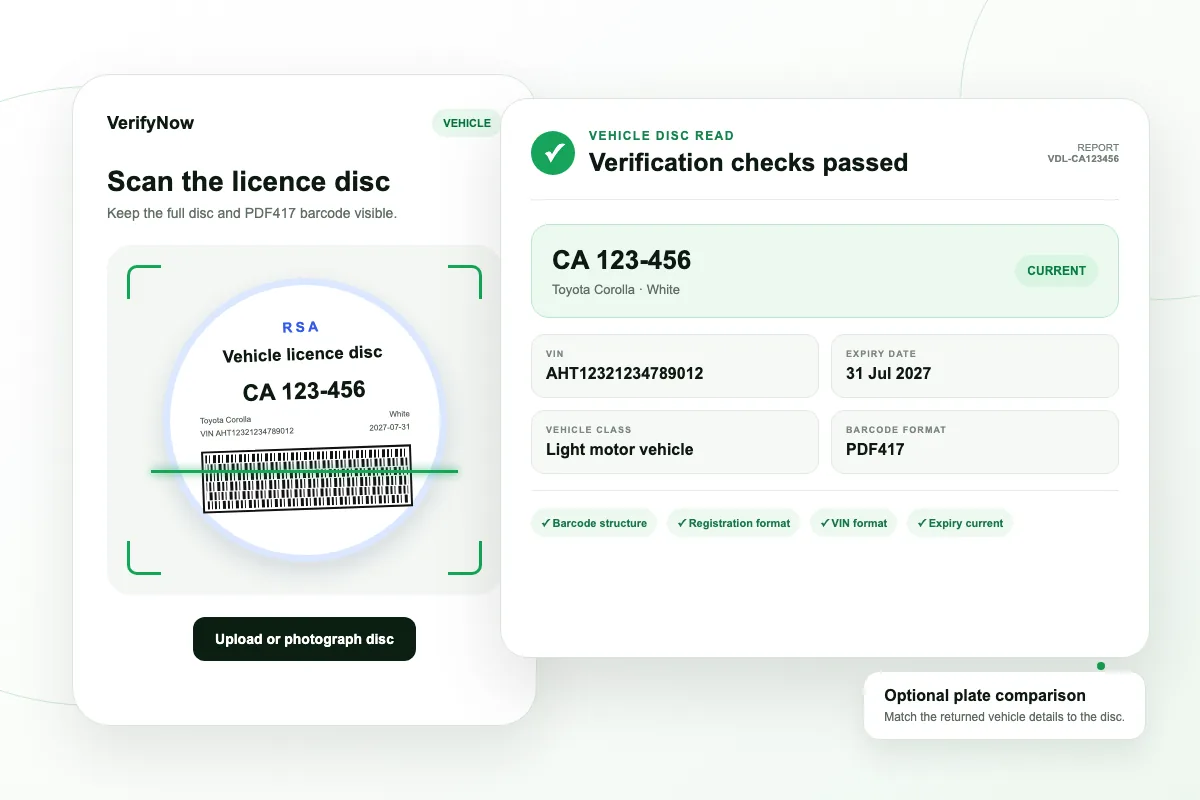
Open the VerifyNow scanner on a phone or desktop, accept the processing terms, then upload or photograph the vehicle licence disc with the full PDF417 barcode visible.
What information can the licence disc scanner read?
The current scanner reads the registration number, VIN, make, model, vehicle class, colour, engine number and encoded expiry date when those fields are present in the supported barcode format.
Which details can be recovered from the visible licence disc?
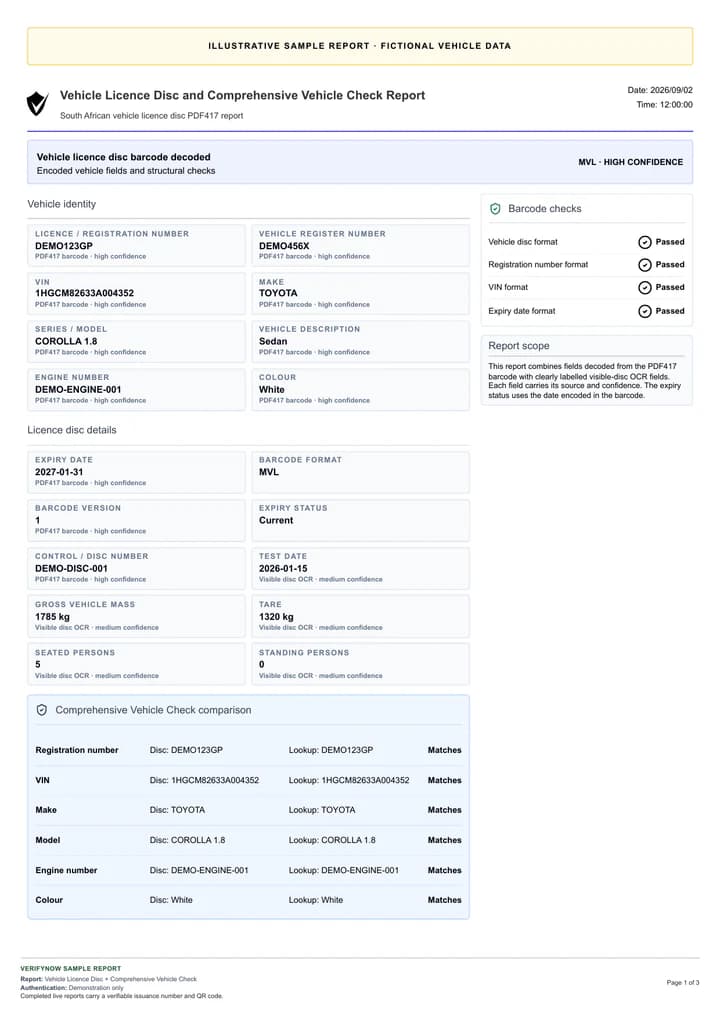
A clear disc image can add the printed gross vehicle mass, tare, test date and seated or standing capacity. Each recovered field carries its read source and confidence in the result.
What is encoded in the vehicle licence disc barcode?
The issued MVL PDF417 payload contains its format version, licence or registration number, vehicle register number, control or disc number, VIN, engine number, make, series or model, colour, vehicle description and expiry date. Legacy formats may also contain a country code or separate vehicle class. The API retains every populated indexed barcode field.
Where is the vehicle licence disc barcode processed?
VerifyNow processes the PDF417 barcode through its hosted vehicle-disc workflow and prepares the report. The barcode scan does not send the disc to an external decoder API. A number plate report adds the selected VerifyNow vehicle lookup.
Is there a vehicle licence disc scanner API?
Yes. POST /vehicle-licence-disc accepts a base64 image or decoded PDF417 text. Choose a barcode report or number plate comparison. Image requests can opt into lower-confidence visual field recovery.
Does an API image request include the printed disc fields?
Yes. Image requests add available printed GVM, tare, test date and seating values by default. Set include_visual_fields to false to skip that enrichment. allow_visual_fallback separately permits a visual-only result when the PDF417 barcode cannot be read. Decoded barcode_text requests remain barcode-only.
What is the current dashboard comparison report called?
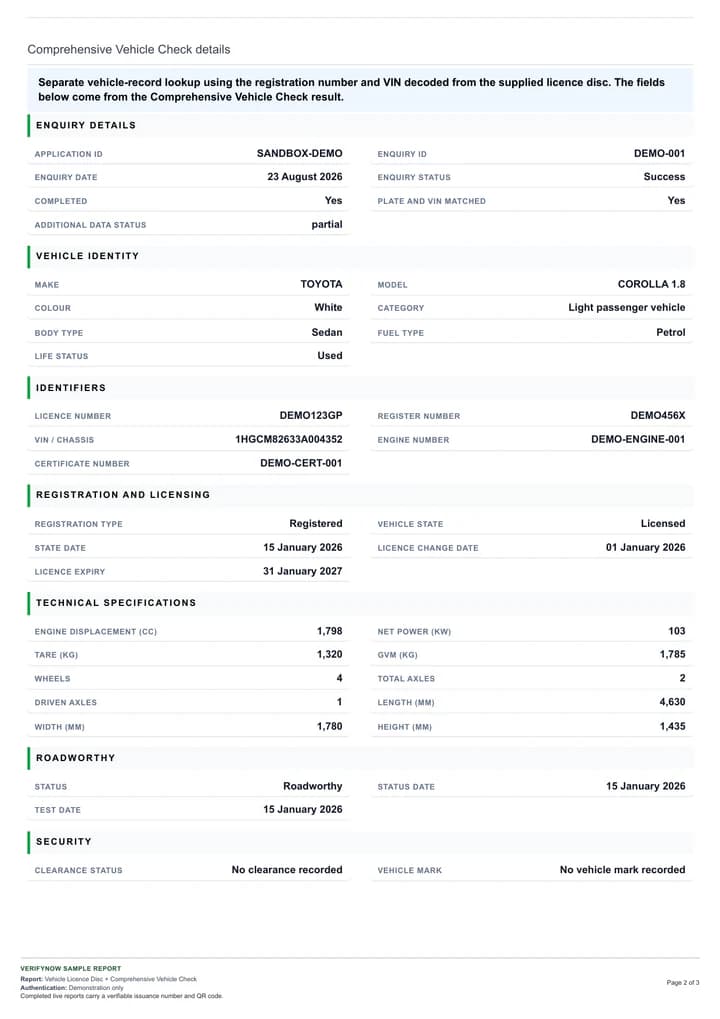
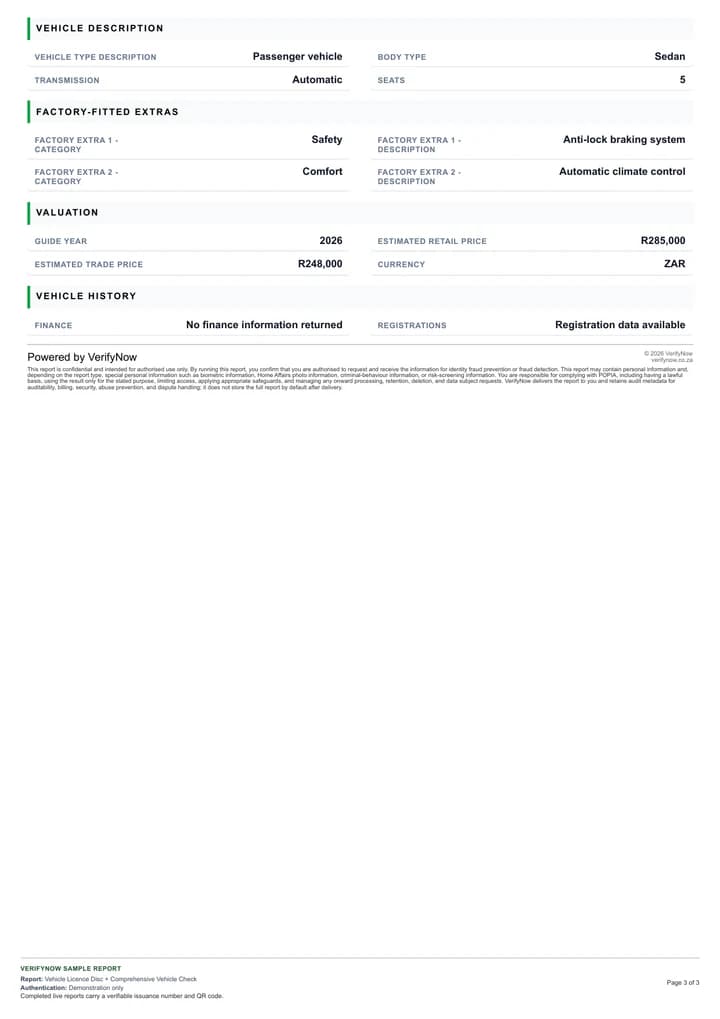
The dashboard option is Disc + Comprehensive Vehicle Check. It includes the disc result, field comparison and complete vehicle-check sections. The external API plate report continues to use number plate lookup terminology.
Can I download a vehicle licence disc report?
Each successful report includes an Authenticated PDF action. The PDF carries its transaction reference and a VerifyNow report authentication code.
Does a barcode scan prove that the disc is current?
The report shows the expiry date encoded in the barcode and its status on the report date. Number Plate Verification adds a separate vehicle data comparison.
How does a licence disc scan help detect fraud?
The barcode supplies an exact machine-readable record of the vehicle fields encoded on the disc, which reduces capture errors and exposes malformed or expired data. Choose Number Plate Verification when the decision needs an independent vehicle record comparison and a stronger fraud signal.
Is the vehicle licence disc scanner proprietary to VerifyNow?
Yes. VerifyNow built and operates the hosted vehicle-disc scanner, validation checks, visible-field recovery and report comparison workflow. Number plate reports use VerifyNow's existing vehicle verification service.