
CIPC company check
Review the registered company name, registration number, status, type, address and directors where available.
Run CIPC company and director checks, screen the selected director for AML risk, then validate the company bank account. One dashboard report keeps the result together.
Supplier Bundle
Approve suppliers with a clearer picture.
Bring company registration, one selected director, AML screening and company bank-account checks into one supplier report.
Available in the VerifyNow dashboard.
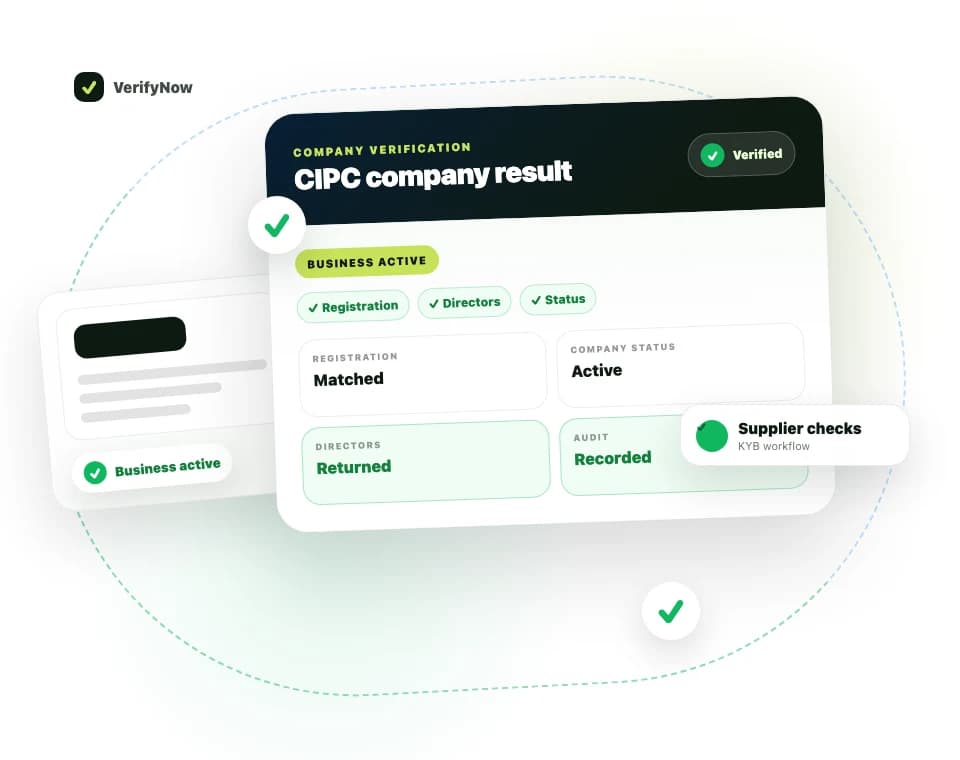
The sample uses fictional data. Its sections follow the live dashboard report, including the combined review outcome.
Read the user guideLoading sample report
Review the registered company name, registration number, status, type, address and directors where available.
Search one South African director by ID and compare the returned directorships with the supplier registration.
Screen the selected director against AML, PEP, sanctions, watchlist and crime datasets.
Validate the submitted company registration, exact account holder name and account details before a supplier payment.
A warning keeps the completed supplier result available while showing the item that needs attention.
A confirmed director relationship uses exact CIPC identity or registration data.
CIPC gaps appear in the report as review warnings.
Potential AML matches require a human review of the source details.
Run tax, licence and B-BBEE checks separately when your process requires them.
Submit the company details, one director and the supplier bank account from the dashboard.
Run in dashboardIt checks the CIPC company record, one selected South African director, that director against AML, PEP and sanctions sources, and the company bank account details.
The report uses exact CIPC identity or company registration data to confirm the relationship and flags an unconfirmed relationship for review.
Run it from the VerifyNow dashboard under Bundles.