
One ID number starts the check
Choose Employee Bundle and submit the South African ID number for the authorised screening process.
Run one employee-screening check that combines Home Affairs ID photo verification with address, contact and employer context where available. The result gives authorised hiring and workforce teams a single report for comparing the supplied identity with the source data returned.
Employee Bundle
Screen an employee in one bundled check.
Combine Home Affairs ID photo verification with full Person Trace identity, address, contact and employer context in one report.
Run a manual check in the dashboard or connect the same bundle to an internal screening workflow through the VerifyNow API.
Available trace fields depend on the source record. Treat employer information as screening context that may require independent confirmation.
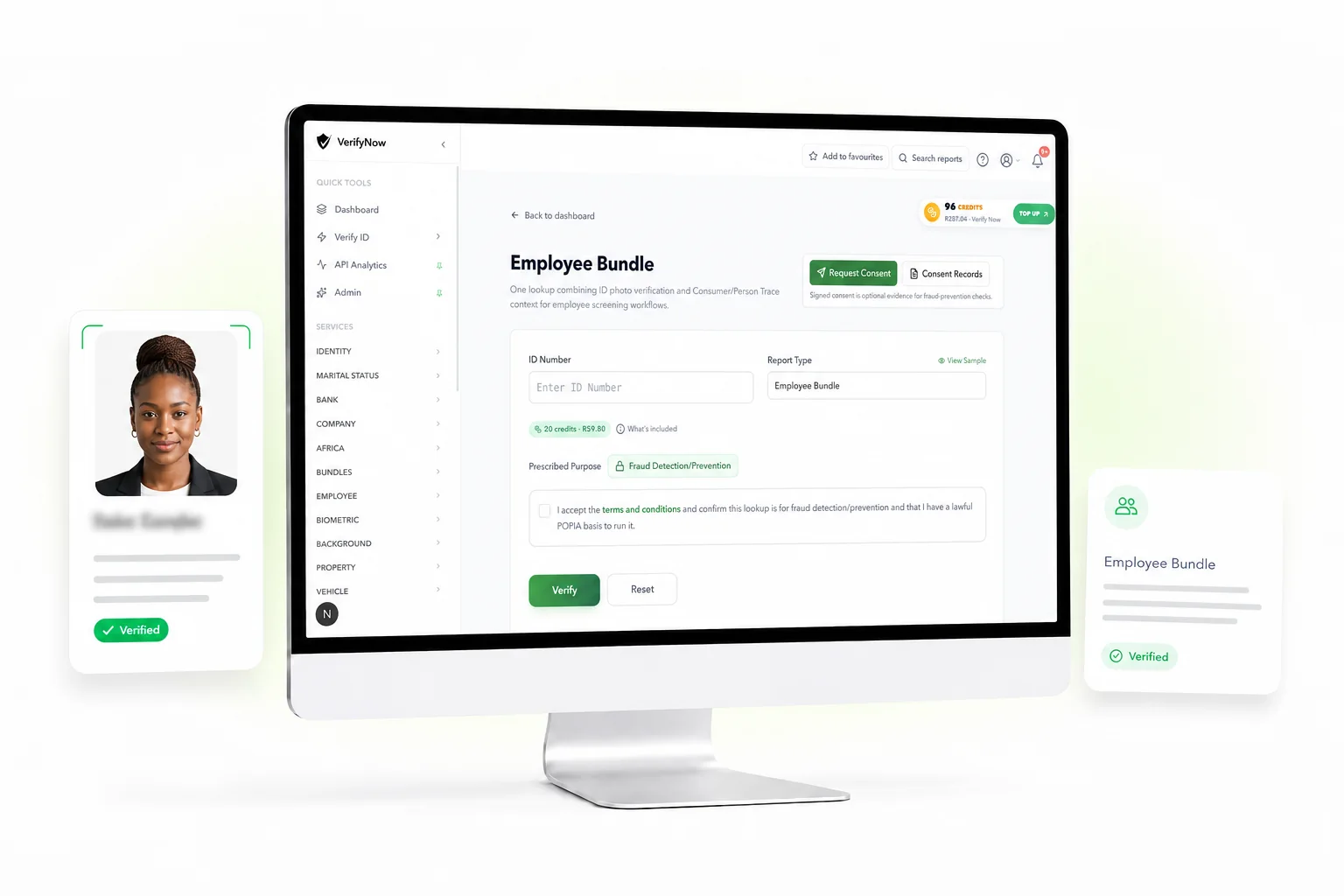
Choose Employee Bundle and submit the South African ID number for the authorised screening process.
Review the returned ID details and official record photograph where the source provides one.
See available address history, contact numbers and employer-related evidence in the same run.
Use the dashboard report or API response with its status, returned fields and transaction reference.
Candidate information can arrive across forms, messages and documents. The Employee Bundle creates one review point for the identity-source response and the Consumer/Person Trace context returned for the submitted ID number.
Confirm the South African ID number and view the official ID photo where available.
Review recorded address and phone context to support authorised employee screening.
See employer-related evidence where available in the returned screening context.
Keep the returned fields, source status, transaction reference and check time together for review.
This fictional sample shows how the identity and trace results arrive in one reviewable report. It includes the verification status, Home Affairs identity fields, record photograph, trace context, transaction reference and report time. Returned trace fields follow the source record available for the submitted ID.
Fictional preview
Employee Bundle report
Loading sample report
The dashboard guides a user through purpose, terms and report selection. API teams can call the Employee Bundle through the existing verification endpoint and keep the same response in their internal workflow.
View API accessChoose Employee Bundle in the dashboard or send the same bundle value through the VerifyNow API.
Record the lawful basis for the check. The dashboard also supports consent requests and consent records.
The bundle combines the ID-photo response with the full Consumer/Person Trace response in one run.
Compare the returned fields with the information supplied for the screening process and keep the report reference.
Use the bundle when a screening process needs identity-source evidence and fuller trace context around one South African ID number. The result supports a human review and a recorded decision process.
Review identity details for inconsistencies
Review contractor or temp-worker identity context
Compare address, contact and employer context where available
Connect the same check to your internal system through the API
Keep a report reference with the authorised screening record
Information returned
Confirm your lawful POPIA basis, limit access to the returned personal information and keep the output with the process that required the check. VerifyNow records the selected purpose in the dashboard flow.
The Employee Bundle can return Home Affairs ID photo verification, core identity details, address context, contact numbers and employer evidence where available.
Yes. The Employee Bundle is available from the VerifyNow dashboard and through the VerifyNow API for authorised screening workflows.
No. Employer information is returned where available and should be treated as unconfirmed screening context.
Enter the authorised South African ID number, confirm the screening purpose and review the combined identity and trace report.