
VerifyNow guide
How to Do a Batch AML Check Online with VerifyNow
A nontechnical guide for accountable institutions that need to screen a spreadsheet of people or entities for AML, PEP and sanctions risk.
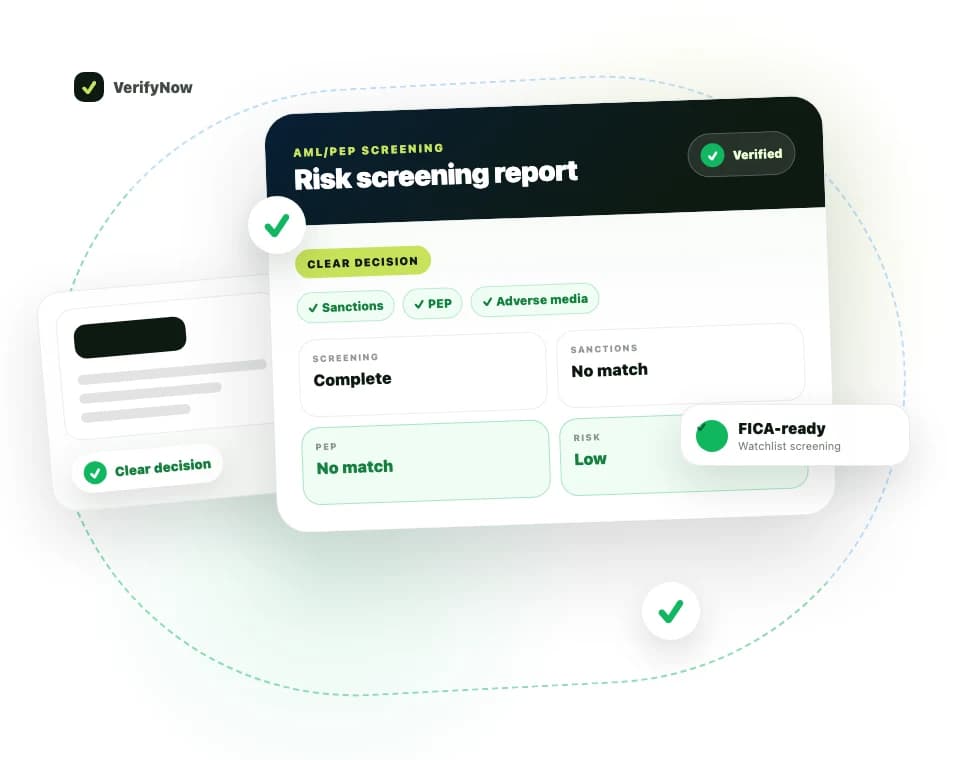
VerifyNow's Batch AML service lets you screen 10 to 1,000 people or entities from one spreadsheet. Upload a CSV or XLSX file, check the valid rows and estimated credit use, then confirm the batch when your team is ready.
Open Batch AML if your file is prepared. If you are deciding whether it fits your process, read the Batch AML service page first.
What you need before you start
Prepare a spreadsheet with these four column headings:
| Column | What to enter |
|---|---|
| Name | The full name of the person or entity to screen |
| Entity Type | Person, Company, Organization or Legal Entity |
| Country | The relevant country, using the format shown in the template |
| Reference | Your own customer or case reference |
Your file must have at least 10 rows and no more than 1,000. Save it as a CSV or XLSX file.
Use a reference that helps your team find the customer file later. Avoid adding personal information that the batch does not ask for.
How to run a Batch AML check
1. Open the Batch AML page
Sign in to VerifyNow, then open Batch AML. New users can create an account here.
2. Download the template or check your headings
Use the template on the batch page if this is your first upload. It already has the correct columns and example row format.
3. Upload the spreadsheet
Choose your CSV or XLSX file. VerifyNow reads the rows and checks whether the required values are present.
4. Review valid and invalid rows
Do not submit until you have checked the validation result. Valid rows are ready to screen. Invalid rows show what needs to be fixed, such as a missing name or unsupported entity type.
5. Check the estimated cost
The page shows the current per-row cost, number of valid rows and estimated total before submission. This gives the person approving the batch a clear checkpoint.
6. Confirm and follow the progress
Submit the batch when the file and estimate are correct. The dashboard shows its progress and keeps the batch in your history.
7. Download the result
VerifyNow emails you when processing is complete. Download the consolidated CSV from the email or dashboard. A row with a potential match can include a link to a detailed PDF report for review.
Customer screening file
| Reference | Name | Entity type | Result |
|---|---|---|---|
| CUST-001 | JANE EXAMPLE | Person | No potential match |
| CUST-002 | EXAMPLE HOLDINGS | Company | No potential match |
| CUST-003 | SAMPLE MATCH PERSON | Person | Potential match |
Illustrative sample with fictitious names. A potential match must be reviewed against the source record before a customer decision is made.
The names in this sample are fictitious. A real result uses the references and names from your file.
What happens to the credits?
VerifyNow reserves the estimated credits for the valid rows when the batch starts. Completed rows are charged. Credits reserved for rows that do not complete are released.
Always use the estimate shown in your dashboard. The current price can change, so this guide does not hardcode a per-row amount.
How to read the result file
A no potential match result means the screening did not return a likely match for that row. Keep the result with the relevant customer or case record according to your policy.
A potential match needs human review. Compare the source record with the information you hold about the customer or entity. Look at identifiers, country, dates, aliases and source context where available. A similar name alone does not prove that your customer is the listed person.
Record the review and decision according to your RMCP. VerifyNow supplies screening evidence; your institution remains responsible for risk ratings, escalation, reporting and customer decisions.
When Batch AML is useful
Accountable institutions may use a batch for a new customer-book upload, a risk-based periodic review or a controlled re-screen after a relevant event. Your RMCP should set the reason and frequency.
Batch AML is a manual, repeatable process. It is not continuous monitoring. If you need to connect screening to your own system, review AML/PEP Screening and the VerifyNow API options.
The FICA Compliance service guide explains how identity, company, bank and AML checks can support a wider due-diligence file. These services support compliance work; they do not replace legal advice or your institution's controls.
Common Batch AML questions
Can I upload more than 1,000 rows?
One batch supports up to 1,000 rows. Split a larger file into controlled batches and use clear references so the result files can be reconciled.
Can I screen companies as well as people?
Yes. Supported entity types include Person, Company, Organization and Legal Entity.
Will an invalid row use credits?
The page separates invalid rows before submission. Review the live validation and credit estimate in your dashboard before confirming.
Does a potential match mean I must reject the customer?
No. It means the row needs review. Your compliance team must determine whether the source record relates to the customer and apply the institution's RMCP.
Where can I get help with the upload?
See the VerifyNow Help Centre for the accepted file format and workflow. The batch page also provides a template.
Start your batch
Open Batch AML, upload the file and review the validation and current cost before you submit it.