
VerifyNow guide
Home Affairs Blocked ID Check Online: Check Your ID Status
A plain-language guide to checking whether a South African ID is shown as blocked in a real-time VerifyNow Home Affairs identity status report.
You can do a Home Affairs blocked ID check online by running VerifyNow's Home Affairs Real-Time ID Verification report. The report has an Identity Status section with an ID Blocked field. That field shows YES or NO when the source returns the status.
Run the Home Affairs real-time report now. You will need to sign in, have enough credits for the report and use the ID number for a lawful purpose.
How to check if your ID is blocked online
- Sign in to VerifyNow or create an account.
- Open the Home Affairs Real-Time ID Verification report.
- Enter the 13-digit South African ID number carefully.
- Submit the check and wait for the real-time result.
- Open Identity Status and find ID Blocked.
Use the direct report link above instead of choosing the ID-photo report. The two reports serve different purposes. The real-time identity status report includes the blocked-ID field; an ID photo verification report is used when you need official photo and identity details where available.
Home Affairs identity status
Fictitious sample record
JOHN DOE · ID ending 1118
- ID Number Match
- Matched
- ID Blocked
- NO
- Identity Document Type
- ID Book
- Citizenship
- South African
Illustrative sample with fictitious data. The available fields depend on the Home Affairs source response for the ID checked.
The sample shows where the status appears. It uses fictitious data and is not a report for a real person.
What the ID Blocked result means
ID Blocked: NO means the returned Home Affairs identity status did not mark that ID as blocked at the time of the check.
ID Blocked: YES means the returned status marked the ID as blocked. VerifyNow displays the source response, but it cannot remove the block or tell you why it was applied. Contact the Department of Home Affairs through its official channels to confirm the reason and the steps needed to correct the record.
No blocked-ID value or no result is not the same as NO. Check that the ID number was entered correctly. If the source was unavailable or the result did not contain the field, try again later or ask VerifyNow support to help you read the report. Do not assume the ID is clear when the field is missing.
What else appears in the real-time report?
The exact fields depend on the Home Affairs response. A completed report can include:
- ID number match status
- identity document type, such as an ID book or smart ID card
- registered names and date of birth
- citizenship and country of birth
- deceased status and related details where returned
- marital status where returned
- the ID Blocked status
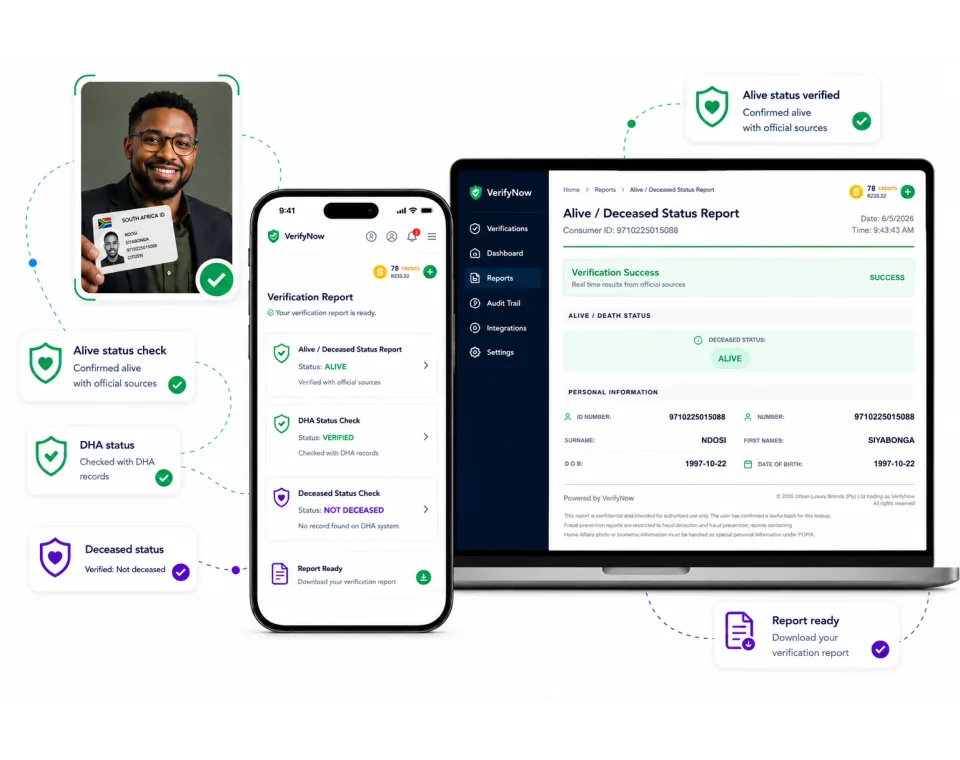
If you only need an alive or deceased status check, read the alive and deceased status service guide. For a broader view of South African identity checks, compare ID Verification South Africa.
Can VerifyNow unblock an ID?
No. VerifyNow gives you the real-time report returned for the ID number. It does not change Home Affairs records, remove a block or issue replacement identity documents.
If the report shows YES, keep a copy of the result and use official Home Affairs support channels. Avoid sending your full ID number in public messages or to unverified contacts.
Checking your own ID and checking someone else's ID
If you are checking your own record, make sure the ID number is correct before submitting it.
Businesses should have a lawful reason to process another person's ID information. Follow your consent process, POPIA controls and retention rules. The report is useful evidence, but your business still decides whether the result is sufficient for its onboarding or risk process.
Common questions
How do I check if my ID is blocked online?
Open the VerifyNow Home Affairs real-time report, enter the South African ID number and look for ID Blocked under Identity Status.
How do I check if my ID is blocked without visiting Home Affairs?
The VerifyNow real-time report lets you view the blocked-ID field online. If the result says the ID is blocked, Home Affairs is still the authority that must explain or correct the status.
Does an ID validity check show blocked status?
Not every ID check returns the same fields. Use the specifically linked Home Affairs Real-Time ID Verification report for the blocked-ID field. The general SA ID verification guide explains the other checks available.
What if I entered the wrong ID number?
Check all 13 digits before submitting. A report for the wrong number does not tell you anything about your own ID status.
Where can I get help reading the report?
Visit the VerifyNow Help Centre if the report did not complete or you are unsure where the field appears. Support can explain the report layout, but only Home Affairs can explain or change a blocked status.
Run the correct blocked ID check
Open the Home Affairs Real-Time ID Verification report and look for ID Blocked under Identity Status. If you do not have an account yet, register for VerifyNow first.