
VerifyNow guide
How to Check Marital Status in Real Time in South Africa
A focused guide to the VerifyNow standard and real-time marital-status options for an authorised South African ID check.
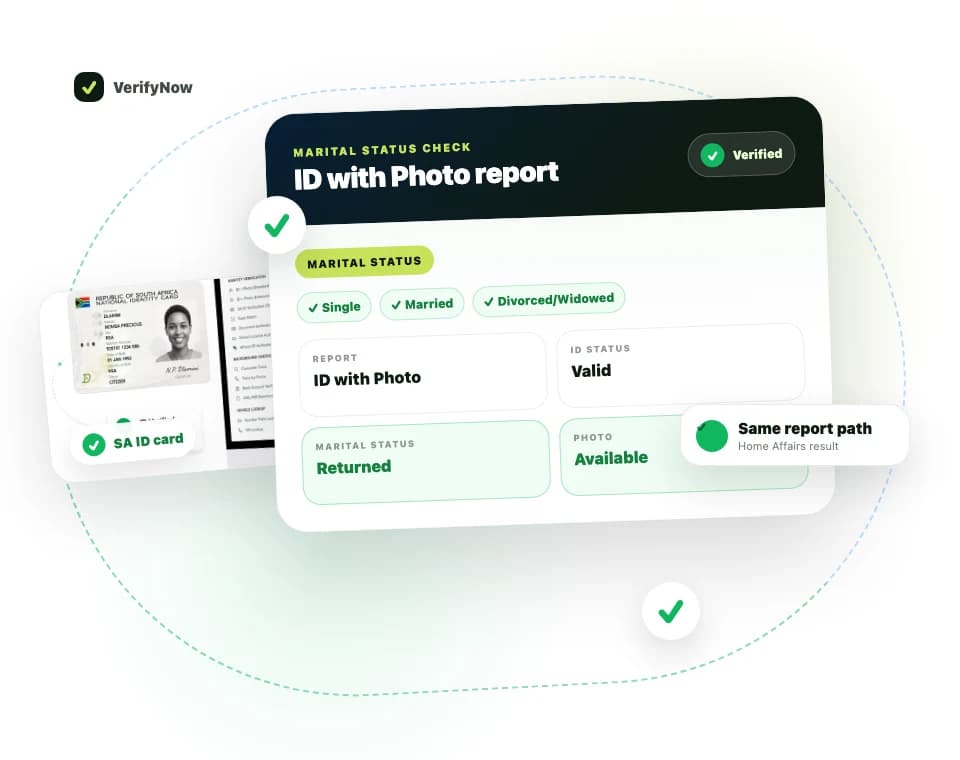
The VerifyNow marital status check uses a South African ID number to return the available recorded marital-status category. The service offers a standard focused check and a real-time option for a workflow that needs the current live source path.
Review the Check Marital Status in South Africa service page for access and current pricing.
Run Marital Status (Real-Time) when you are ready to submit an authorised check.
Marital status service facts
| Question | Answer |
|---|---|
| Main input | South African ID number |
| Standard output | Available recorded marital-status category and basic identity fields |
| Real-time output | Available current status through the live service path |
| Possible categories | Married, single, divorced or widowed where returned |
| Appropriate use | An authorised, documented business or personal workflow |
When a real-time status is useful
Use the real-time option when the age of the information matters to the documented decision. Examples can include a regulated customer review, an estate-related process, a benefit workflow or a legal-services matter where the reviewer needs current status evidence.
The person requesting the check should know why the status is needed. Record consent or another lawful basis before submitting the ID. Limit the result to the approved team and case.
Standard and real-time options
The standard check provides a focused marital-status result using its documented service path. It can suit a workflow whose evidence requirement matches that result.
The real-time check requests the current available record through the supported live path. The dashboard identifies the option clearly and shows its current price before submission.
Choose between them using the freshness requirement set by the business process. Preserve the option name and report time with the result so a later reviewer knows which check was run.
How to run the check
1. Confirm the purpose
Write down the case, person and reason for the request. Confirm the organisation's lawful basis and access rule before opening the service.
2. Capture the South African ID
Use the 13-digit ID supplied through the authorised process. Check each digit against the source record and avoid retyping from an informal message when a controlled onboarding record is available.
3. Select the service option
Choose the standard or real-time check based on the required freshness. Read the live service label and price before proceeding.
4. Submit and retain the reference
Run the check and associate the VerifyNow transaction reference with the internal customer, estate, employee or case record.
5. Read the status literally
Use the category and supporting fields returned in the report. Preserve an unknown or unavailable state exactly as shown. It should prompt the follow-up defined by the workflow rather than being converted into a known category.
What the result means
A returned status describes the available record for the submitted ID at the time and service path shown in the report. Basic identity details can help a reviewer confirm that the result relates to the intended person.
Marital status alone does not explain the property regime, identify a spouse, provide a marriage certificate, establish divorce terms or decide whether consent is legally required for a transaction. Obtain the relevant certificate, court order, antenuptial contract or legal advice when the process needs those facts.
How to store the evidence
Keep the transaction reference, selected service, result time, returned status and review outcome together. Give access only to people working on the approved purpose.
Set a retention period that matches the legal and operational need. Avoid placing marital-status results in general notes, broad chat channels or exports used for unrelated decisions.
The Information Regulator publishes POPIA guidance covering responsible processing of personal information.
Current VerifyNow service boundary
The marital-status service returns the available status category and basic identity information for the submitted South African ID. The focused check does not return an ID photo, phone number, physical address, deceased-status report, spouse identity, marriage certificate, divorce order or matrimonial-property regime.
The real-time option describes the service path and freshness. It does not turn the result into legal advice or replace the source documents required for a legal transaction.
Marital status questions
Which statuses can be returned?
The available result may identify married, single, divorced or widowed status. Use the exact category and any availability message shown in the report.
Does the check show who the person married?
The focused service does not provide spouse identity. Use the appropriate authorised document or process when that information is required.
Is marital status the same as a marriage certificate?
The VerifyNow result is verification evidence for the recorded status. A certificate is a separate official document with its own legal use.
Should every onboarding process request marital status?
Collect the field when it is relevant to a defined purpose and lawful basis. Data minimisation helps keep identity workflows proportionate.
Review the service
Visit Check Marital Status in South Africa to compare the current standard and real-time options before running the authorised check.