
VerifyNow guide
VerifyNow Employee Bundle for South African Employee Checks
A structured guide to the identity, contact and supporting context returned by the VerifyNow Employee Bundle.
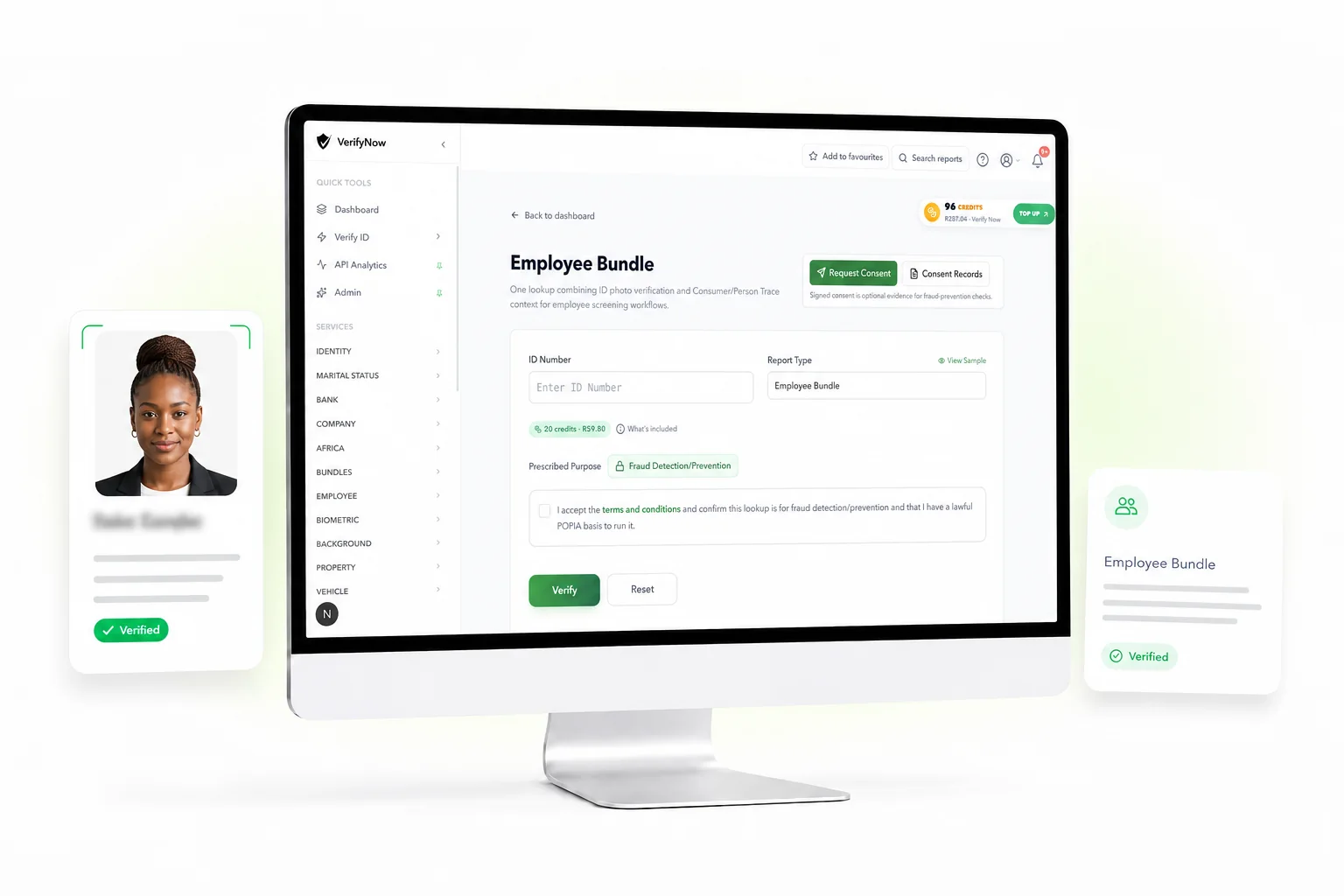
The VerifyNow Employee Bundle combines a South African identity photo verification with supporting person-trace context. It gives an authorised hiring or workforce team one result containing identity fields, an ID photo where available, contact and address context, and returned employer evidence where available.
The bundle is available through the dashboard and API. Review the Employee Bundle service page for current access, fields and pricing.
Employee Bundle facts
| Item | Current scope |
|---|---|
| Person | South African ID holder |
| Access | Dashboard and API |
| Core evidence | Identity details and ID photo where available |
| Supporting context | Address and contact fields where returned |
| Employment context | Returned employer evidence where available |
| Decision owner | The organisation running the authorised workflow |
What to collect before the check
Start with a clear hiring, contractor, workforce or access-control purpose. Tell the person which information will be checked and how the organisation will use it. Keep the consent or other lawful-basis record with the application or employee file.
Capture the person's South African ID number and the reference your team uses for the case. Keep extra personal information outside the request unless the selected workflow asks for it.
For API use, create the request from a server-side integration and attach a stable internal reference. Follow the current VerifyNow API documentation for authentication, idempotency and result handling.
What the bundle can return
Identity section
The identity section can include the submitted ID, names, surname, date of birth and identity status. An ID photo can appear where the source returns one. Compare those details with the person and document presented through your approved process.
Address and contact context
The supporting trace can return physical address, postal address, phone or other contact context where available. These fields help a reviewer identify differences that need clarification. They are evidence with varying source dates rather than a guarantee of current residence or current phone ownership.
Employer evidence
Employer-related information may appear where it is available in the supporting data. Treat it as unconfirmed screening context. Ask for recent, role-appropriate employment evidence and confirm it independently when current employment matters to the decision.
A review sequence for hiring teams
1. Match the identity
Compare names, date of birth, ID status and the available photo with the authorised application record. Escalate an unexplained mismatch under the organisation's identity policy.
2. Review trace freshness
Look at the field labels and source timing supplied in the result. An older address can still describe historical data while requiring current proof of residence for the present workflow.
3. Separate context from proof
Use contact and employer fields to guide questions. Request source documents or direct confirmation for facts that control hiring, payroll, access or benefits.
4. Record the outcome
Keep the transaction reference, reviewed fields, supporting documents and decision. Limit access to the hiring, compliance or security staff assigned to the case.
Dashboard and API use
The dashboard suits individual checks handled by a reviewer. It presents the returned sections together and gives the user a transaction record.
The API suits an approved onboarding or workforce system. Keep API keys on the server, use idempotency for retries and restrict full results to authorised roles. Store only the fields needed for the business purpose.
Current prices appear on the VerifyNow pricing page and in the relevant account flow. Avoid hardcoding a bundle price into procedures or integrations.
Current VerifyNow service boundary
The Employee Bundle combines identity photo verification and supporting person-trace context. It does not prove current employment, confirm job title or salary, verify qualifications, supply a criminal-record result, check professional registration, perform reference calls or decide whether a person should be hired.
Employer, address and contact fields remain supporting context where available. Confirm current facts through the appropriate source and apply the organisation's employment and privacy policies.
POPIA and employee information
Collect information that serves the stated purpose. Give the person an appropriate notice, restrict access and keep the result for the required period. The Information Regulator provides POPIA guidance for responsible processing.
If a later employment stage needs a separate check, explain that purpose and obtain the authority required for that service. The original bundle should not become a general source for unrelated employee decisions.
Employee Bundle questions
Does the bundle verify a person's current employer?
Employer evidence can appear as unconfirmed context where available. Confirm current employment independently when it matters to the workflow.
Is an ID photo always returned?
The photo appears where the source result supports it. Preserve an unavailable photo as unavailable and follow the identity-review path set by your organisation.
Can the bundle verify qualifications?
Qualification verification is a separate service and needs the relevant candidate and qualification details.
Can it be integrated into an HR system?
Yes, the bundle has an API path for enabled accounts. Use the current API contract and keep access, consent and retention controls in the integration.
Use the Employee Bundle
Read the Employee Bundle service page, then choose the dashboard or API path that fits the authorised employee workflow.